Device specific change
Websites often use different layouts across devices such as desktop, tablet, and mobile. Because of these variations, a change that looks correct on one device may not behave or appear as intended on another. Applying device-specific adjustments ensures that your changes are optimized for each layout, helping maintain both visual consistency and proper functionality across all devices.
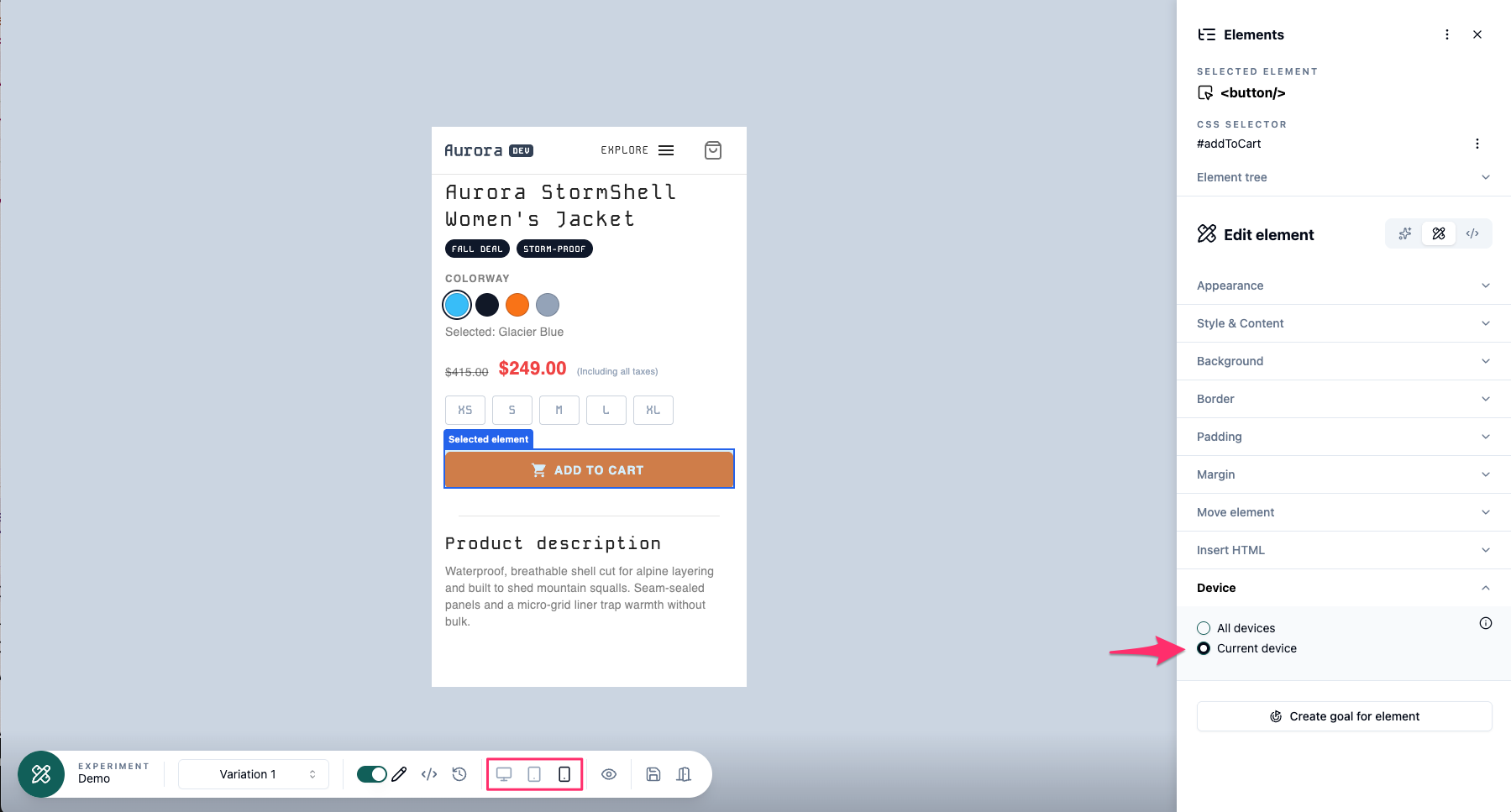 To do a device specific change simply switch to the wanted view and then click the element you want to change. Then click Device to open the options for that and select Current device. Then do the changes you want and Save them. The changes will only be set for the current editor view (device).
To make a device-specific change, switch to the desired view and select the element you want to modify. Then click Device to open its settings and choose Current device. Do your changes and save them. The changes will only be set for the current editor view (device).