Add variations
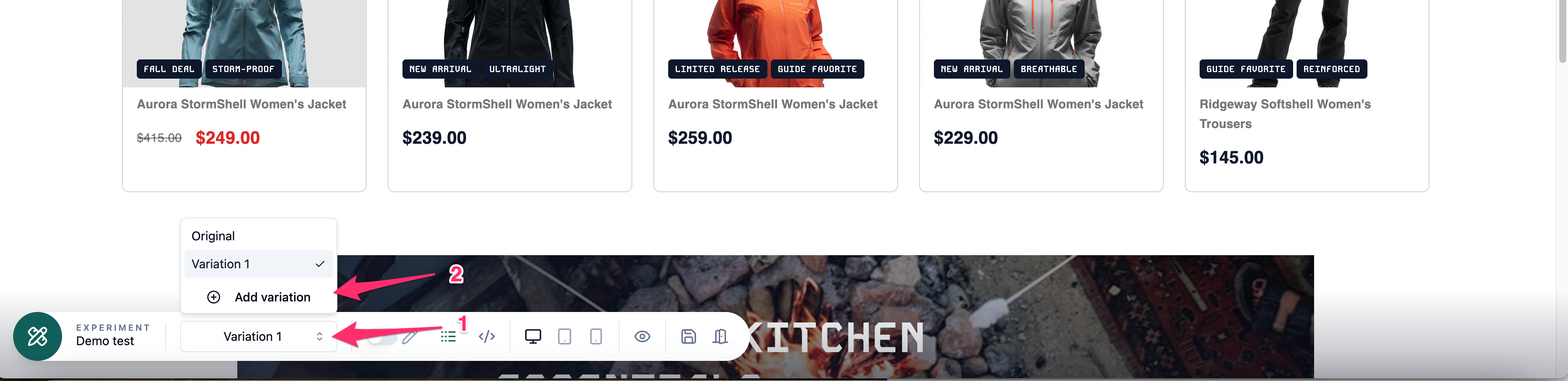 To create a new variation, open the variation dropdown and select Add variation. Enter a name for your variation, click Save, and you’ll be automatically redirected to the new variation.
To create a new variation, open the variation dropdown and select Add variation. Enter a name for your variation, click Save, and you’ll be automatically redirected to the new variation.