Adding new content manually
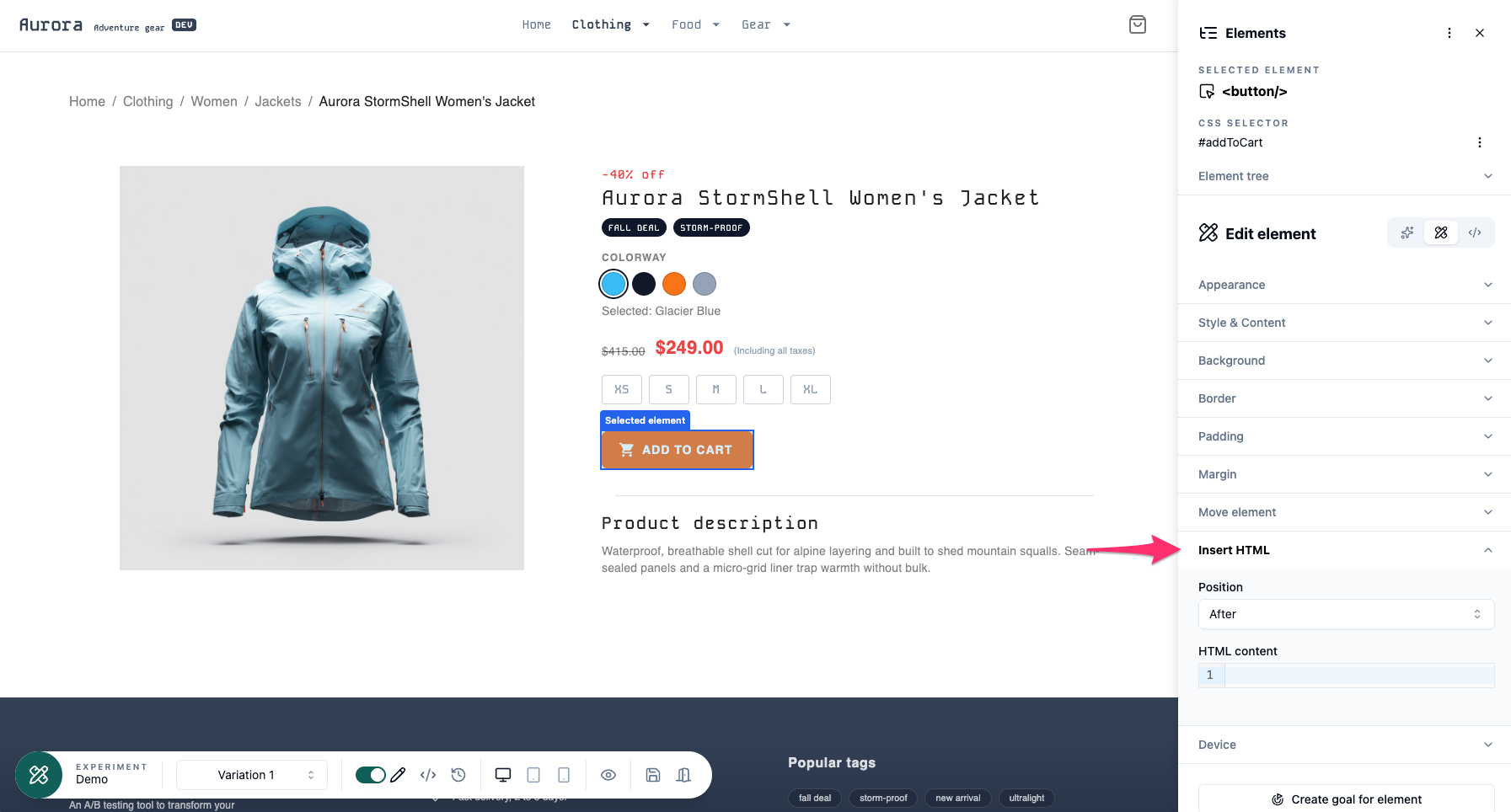 To add content, select the element where you want it placed (before, after, inside first, or inside last), then click Insert HTML to open the option.
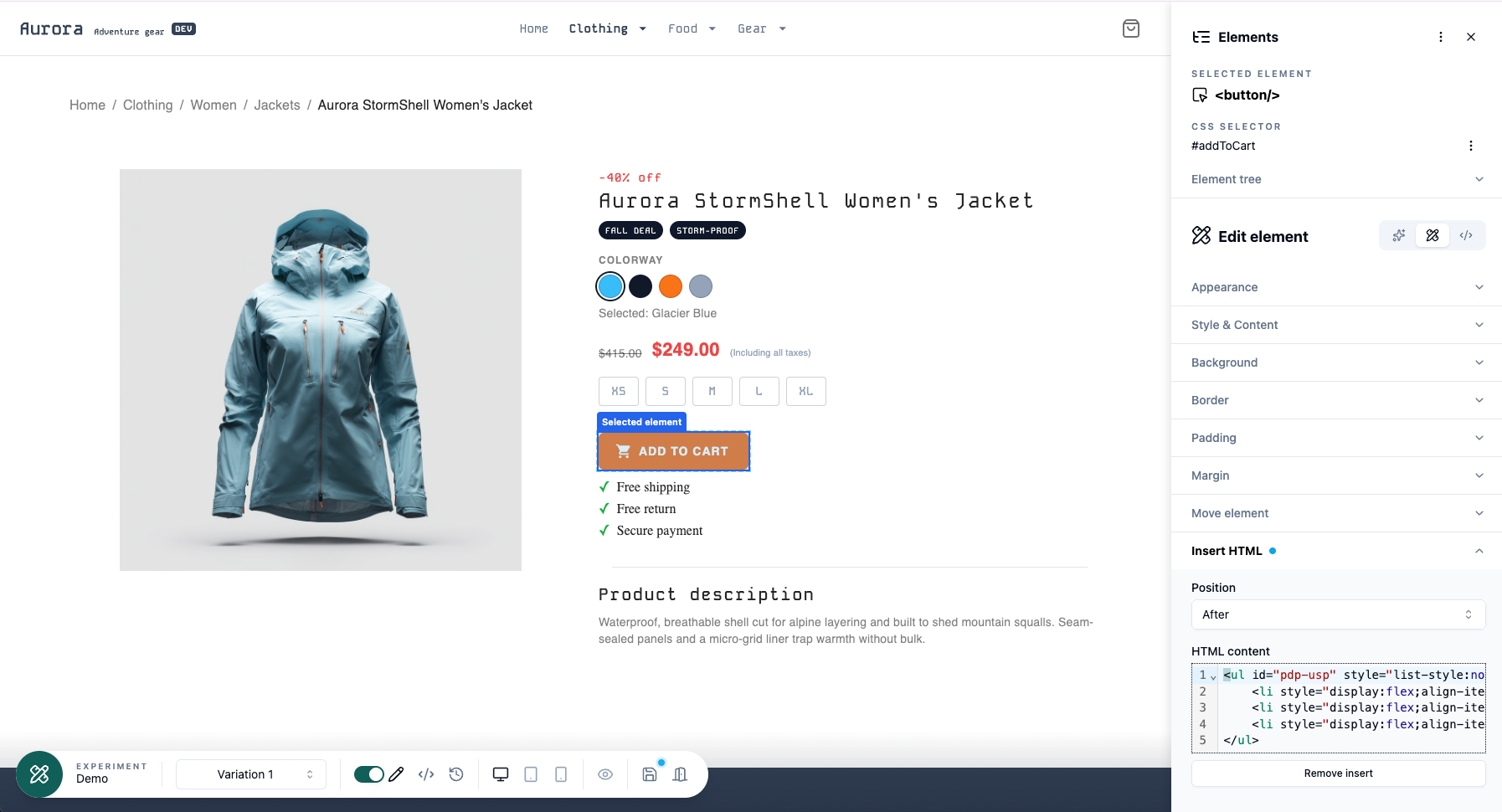 Then choose the position for the inserted content (before, after, inside first, or inside last) from the dropdown. Enter or paste your HTML into the text field below, and click outside the field to apply the changes.
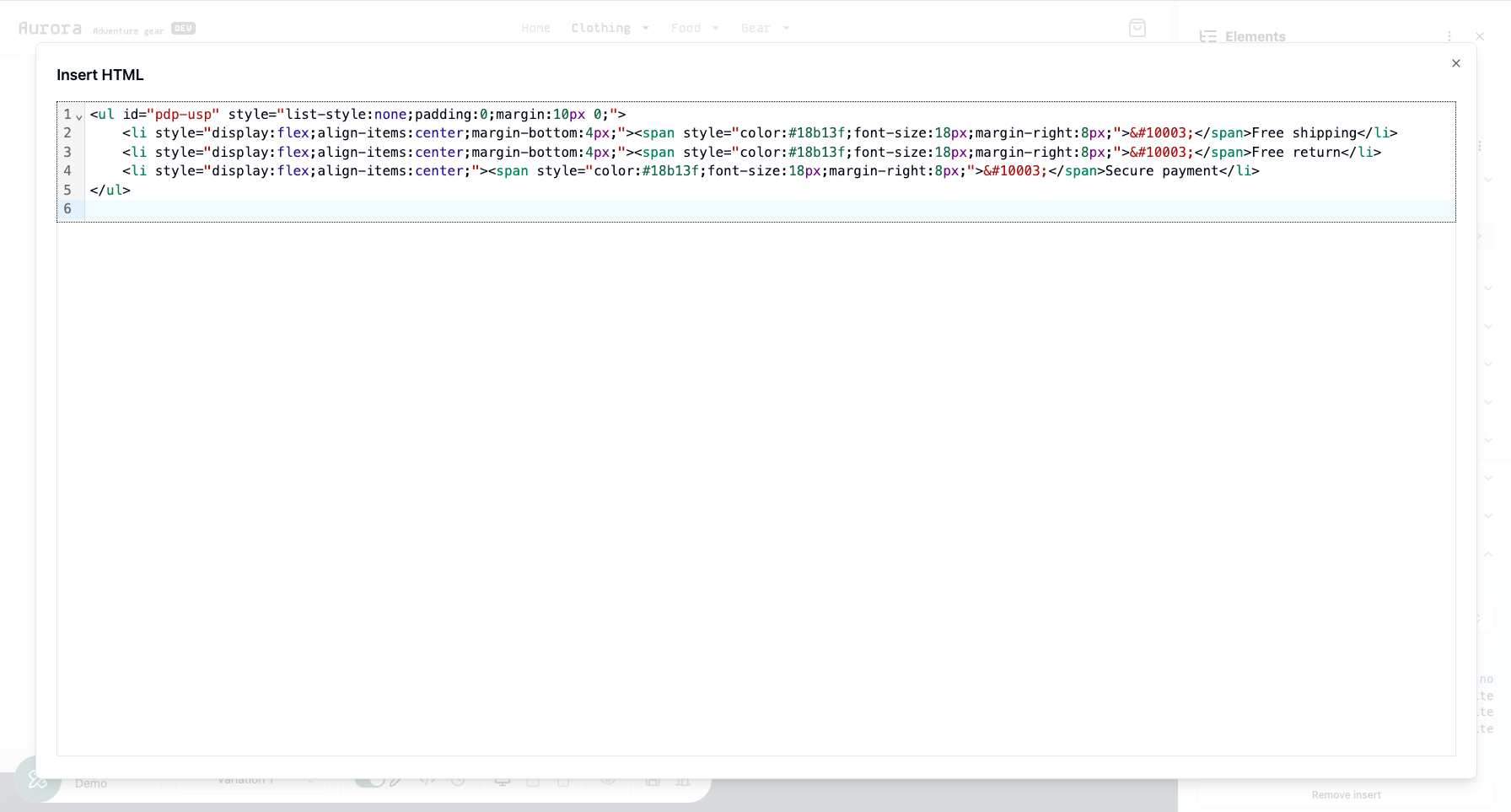 You can edit the HTML in full screen by clicking the expand button that appears when you hover over the text field.
You can style your new HTML using inline styles, or by adding classes and/or IDs and defining their styles in the global CSS field. Alternatively, you can use the visual editor to style added elements directly by selecting them and applying style changes through the edit panel.