Start A/B testing fast with Lyftio — no-code Visual Editor for everyone
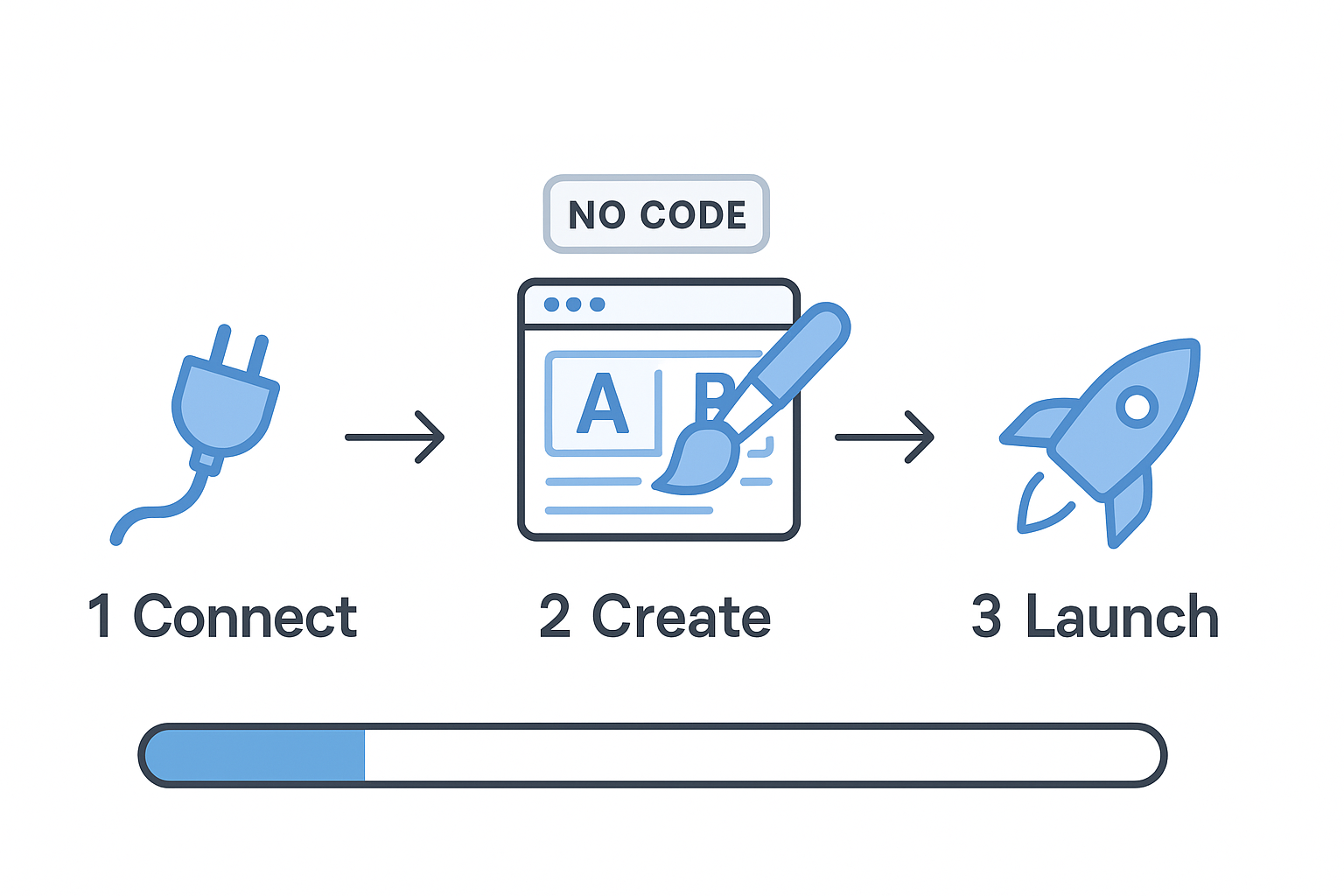
Launching your first A/B test with Lyftio takes minutes—not weeks. Our no‑code Visual Editor lets non‑developers create, preview, and publish variations safely, while engineers can opt into server‑side or hybrid tests when needed.
Why A/B test
A/B testing lets you prove that a change truly drives results before you ship it to everyone. By splitting traffic between a control and a variation, you isolate the effect of your idea from seasonality, campaigns, or random noise, so you’re measuring causality—not coincidence.
That protection matters because even “obvious” improvements can lower conversion or revenue once they meet real users. Testing also tells you how big the lift is, how risky it is, and where it works best (for example, on mobile or for new visitors), so rollouts are confident and targeted. In short, A/B testing replaces guesswork with evidence, helping you move faster while safeguarding the metrics that matter.
Easy with Lyftio
-
No‑code Visual Editor — click‑to‑edit text, images, buttons, colors, spacing, and layout.
-
Instant preview & share links — QA a variation on real URLs before it’s live.
-
Cookieless‑experiments — reliable results across browsers.
-
Templates for common wins — headlines, hero sections, add‑to‑cart, banners, sticky CTAs, pricing cards.
-
Safe publishing — role‑based approvals, scheduling, and one‑click rollback.
-
Guardrails — performance and revenue metrics baked in.
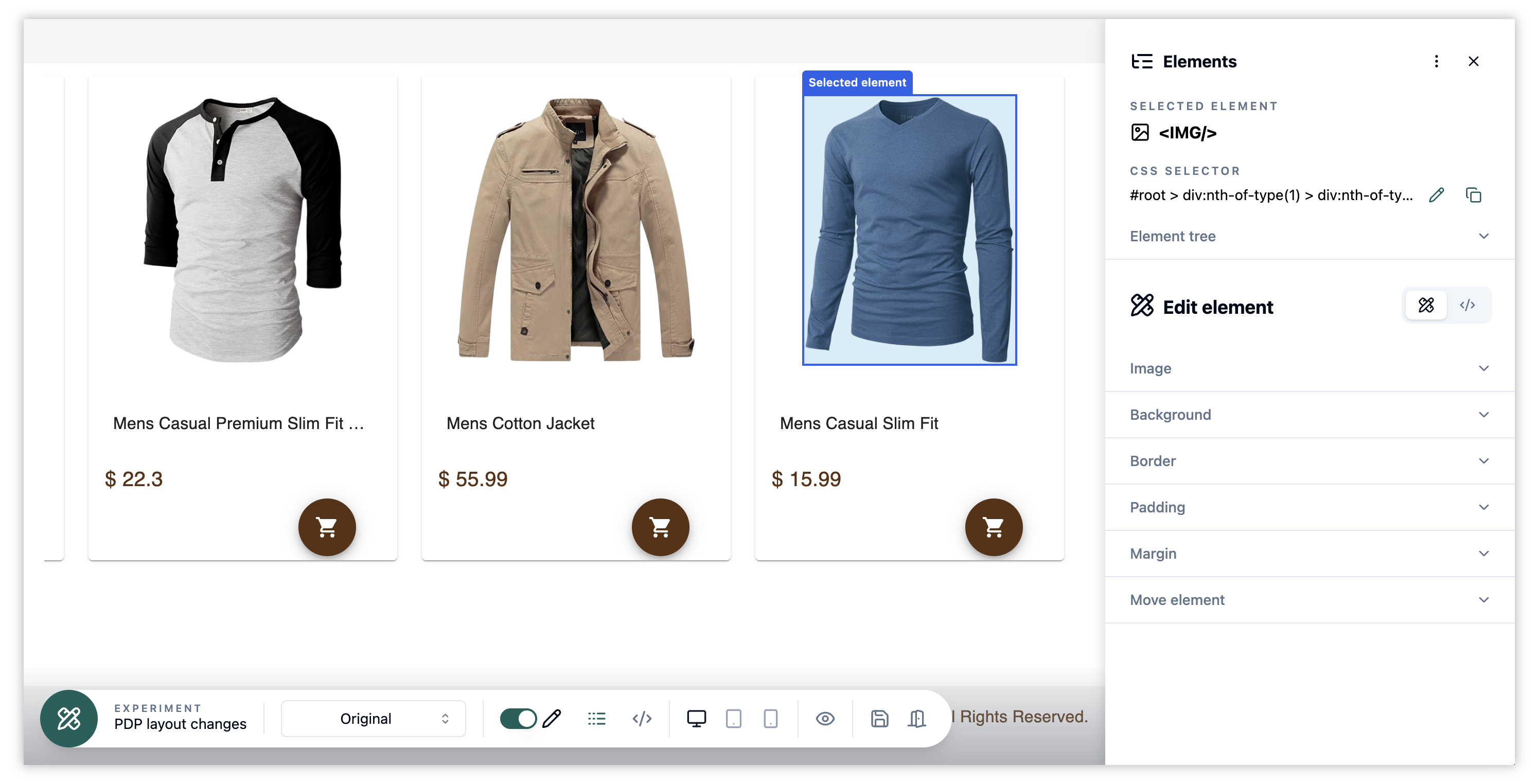 Graphical Editor
Fastest setup (5 steps)
-
Add Lyftio to your site
Insert the lightweight snippet. -
Create an experiment
Give it a clear name (e.g., “PDP: bigger price + free‑shipping badge”). -
Target your visitors
Decide where the test should run and for what type of visitor (e.g., mobile visitors or a campaign segment). Set the primary goal and any secondary metrics. -
Create your variations
Load a page URL and start editing — change copy, swap images, move sections, tweak spacing, etc. -
Preview & launch
Share a preview link for sign‑off, schedule a start time, and go live. Lyftio tracks results immediately.